How to upload your handicap certificate
This blog describes how to find and upload your handicap certificate to the golf lists websites.
Jul 25, 2023
GolfLists.com
Jul 25, 2023
GolfLists.com
Greetings Golfers!
As part of facilitating connections between golf club members Golf Lists verifies that our members are members at the golf clubs they claim to be.
This increases trust in the system and encourages reciprocal matches between golfers that are mutually beneficial.
When you create your Golf Lists Profile, you will be asked to upload a handicap certificate. The purpose of this is not to verify your handicap, but in fact to verify you golf club membership.
Only once you are verified will you be able to edit records for your golf club and connect with other golf club members for reciprocal matches.
You can find your handicap certificate in the following locations:
Please note, you are not required to black out your personal data, because the certificate will not be publicly visible.
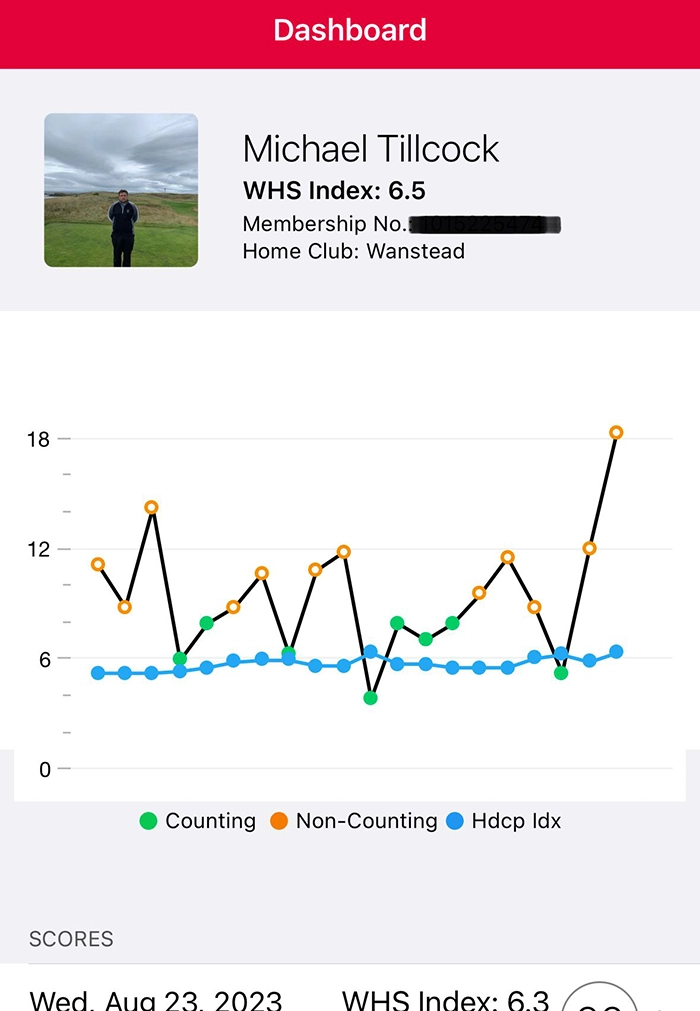
For golfers within the English Golf Union you can find your handicap certificate within the MyEG App. For golfers in other golf unions, the equivalent will also be accepted.
Simply navigate to your "Dashboard" using the bottom menu and screen shot the image you see below.
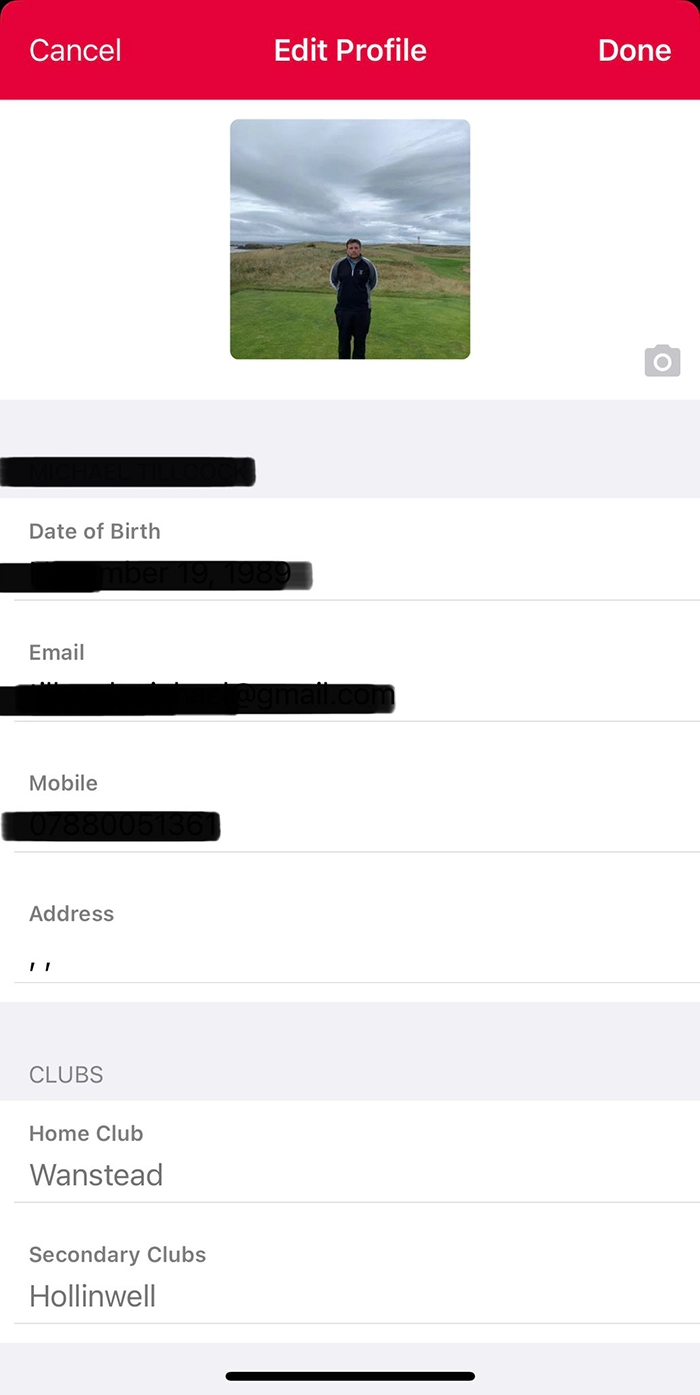
If you are a member of two clubs, you can verify this with Golf Lists by naviating to the Edit Profile menu and providing the following screenshot.
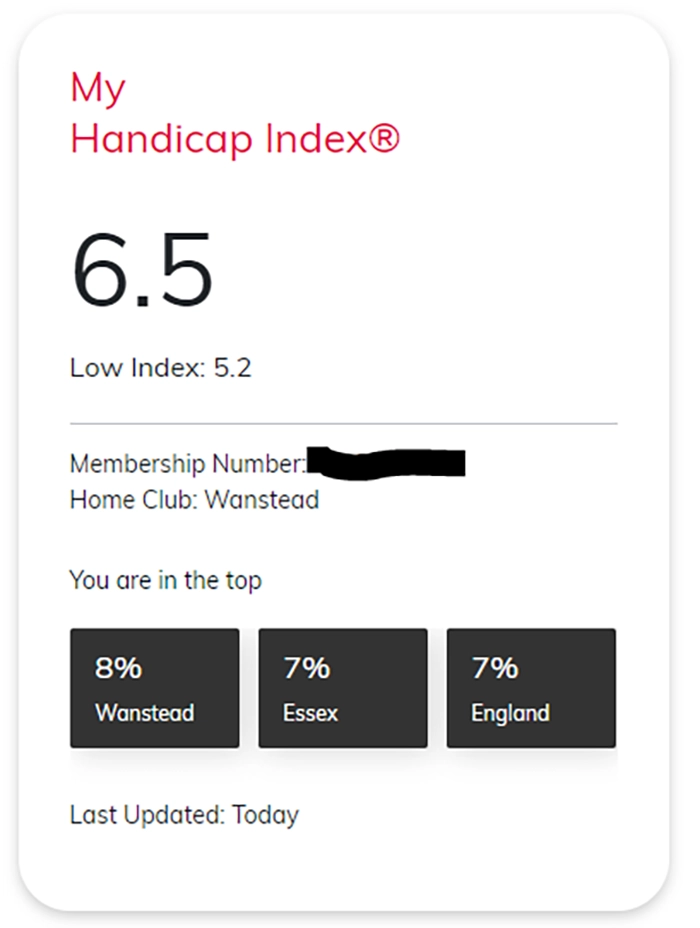
For golfers within the English Golf Union you can find a handicap certificate within the MyEG web app on your PC.
It will look something like the screenshot below.
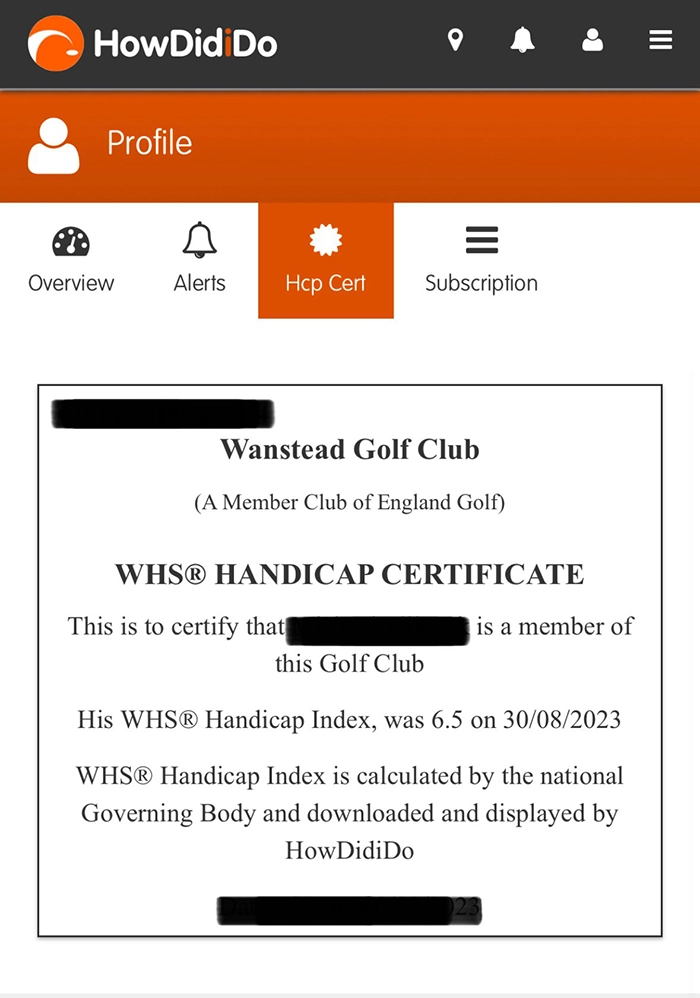
For golfers whose golf club use the HowDidiDo app for competitions and administration, you can navigate to the profile icon in the app.
Click on the "Handicap Certificate" icon to display a handicap certificate which verfies your golf club membership.
Generall speaking, Golf Lists will use any reasonable evidence that you are a member of the golf club you say you are.
This could include letters of membership and screenshots from other apps that verifiy membership (e.g. Intelligent Golf).
Anything sensible will allow you to get your membership verified.
Golf Lists reserves the right to request membership re-verification at any time.
All the best, The GolfLists.com Team

Join golfers around the UK & Ireland getting hidden golf deals sent to their inbox every month.
Join golfers around the UK & Ireland getting hidden golf deals sent to their inbox every month.
Join golfers around the UK & Ireland getting hidden golf deals sent to their inbox every month.